PanicKit: system-wide panic responses

PanicKit is a collection of tools for creating “panic buttons” that can trigger a system-wide response when the user is in an anxious or dangerous situation. It enables trigger apps and responder apps to safely and easily connect to each other. The user engages with the trigger app when in a panic situation. The responder apps receive that trigger signal, and individually execute the steps that they were configured to do. The connections between trigger and responder can be strictly enforced based on Application ID and APK signing certificate. There are two general categories of response:
- default, non-destructive
- opt-in, destructive
Screenshots
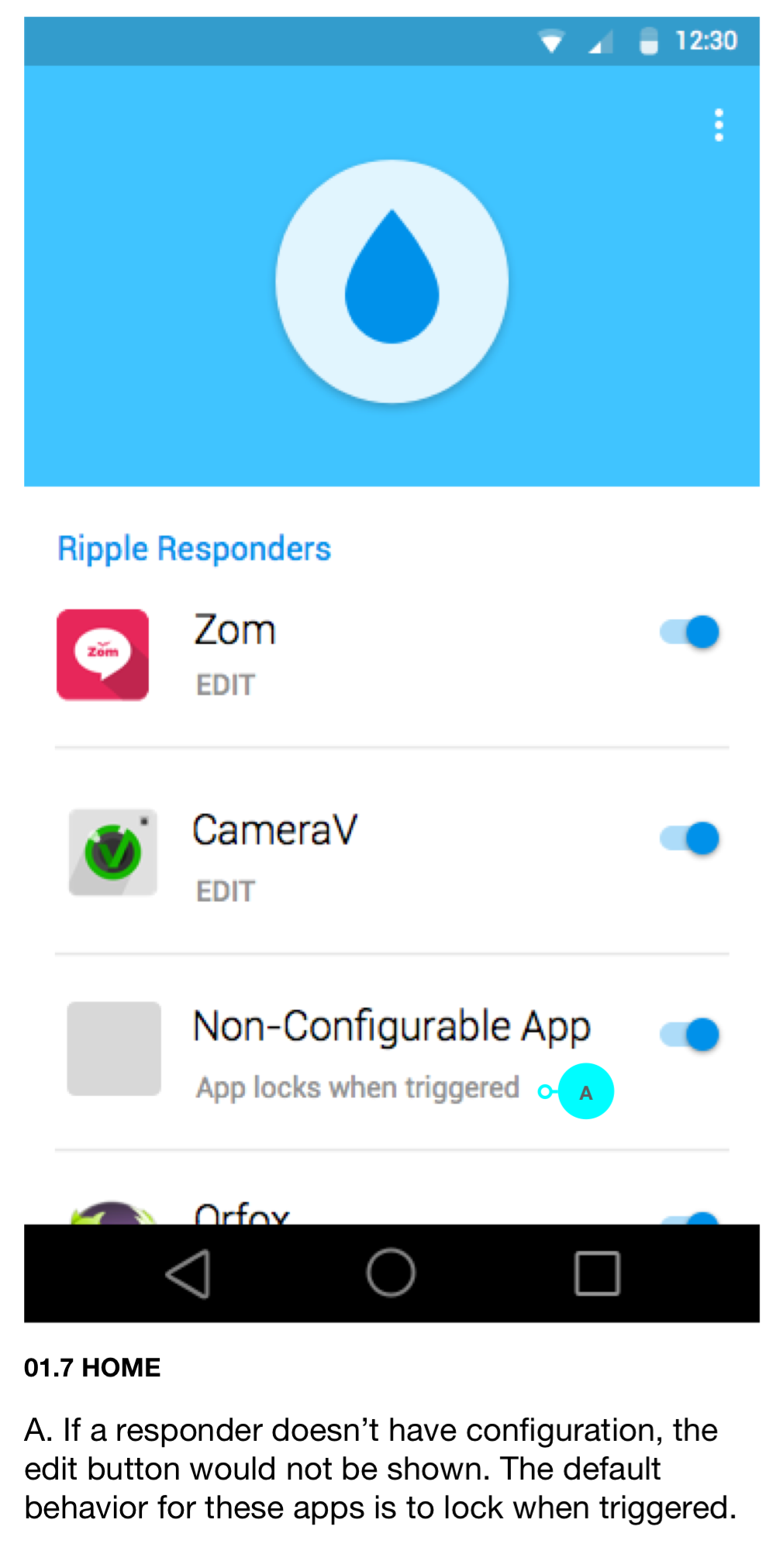
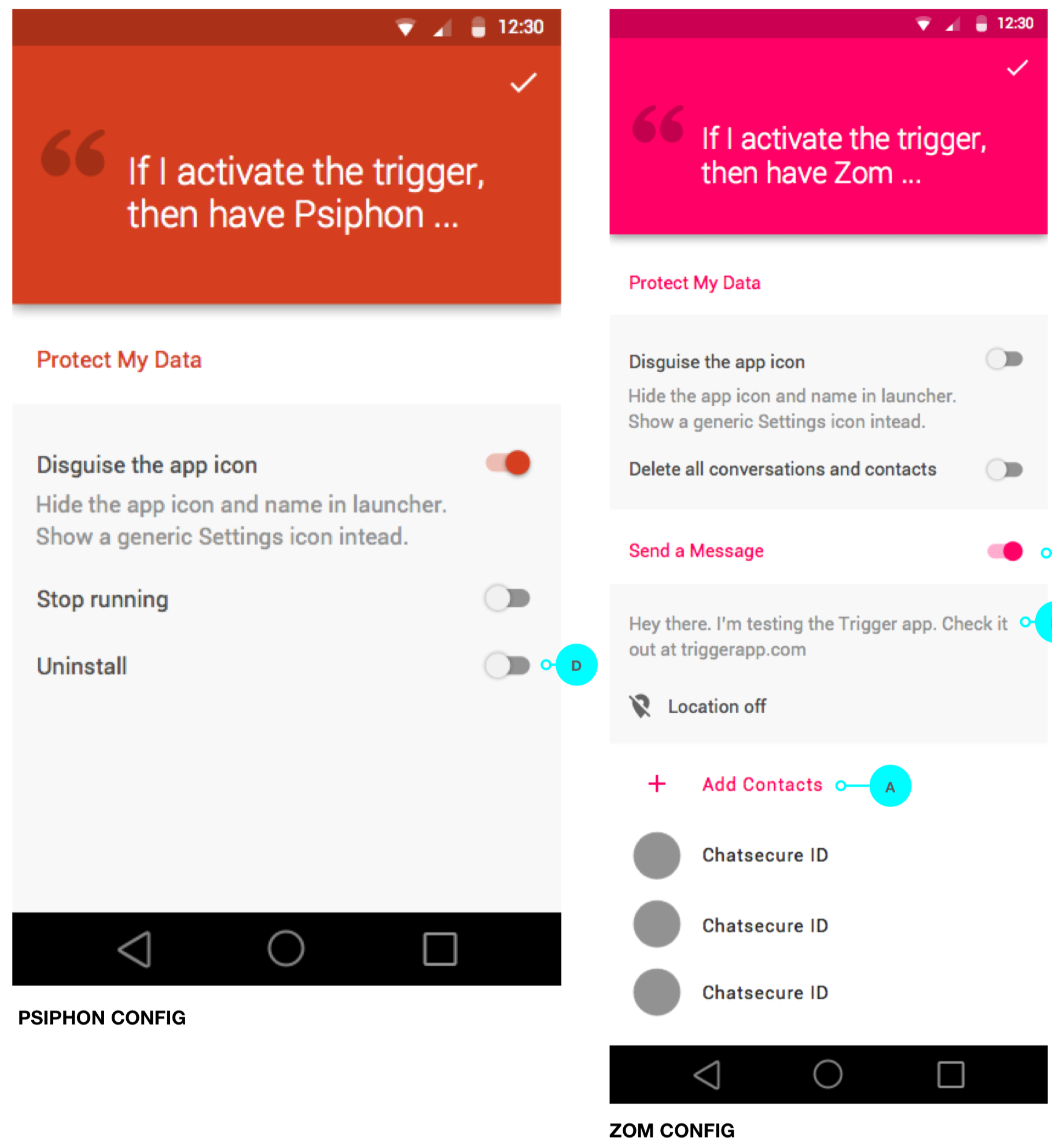
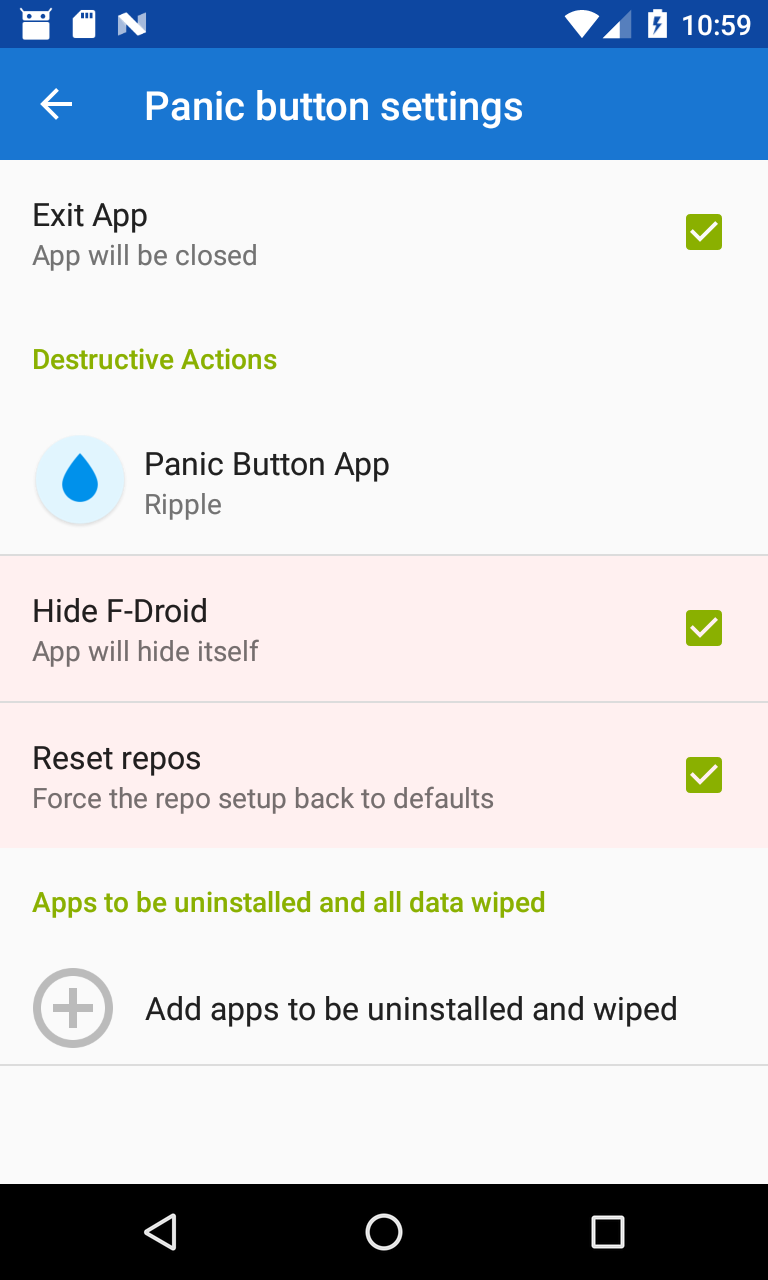
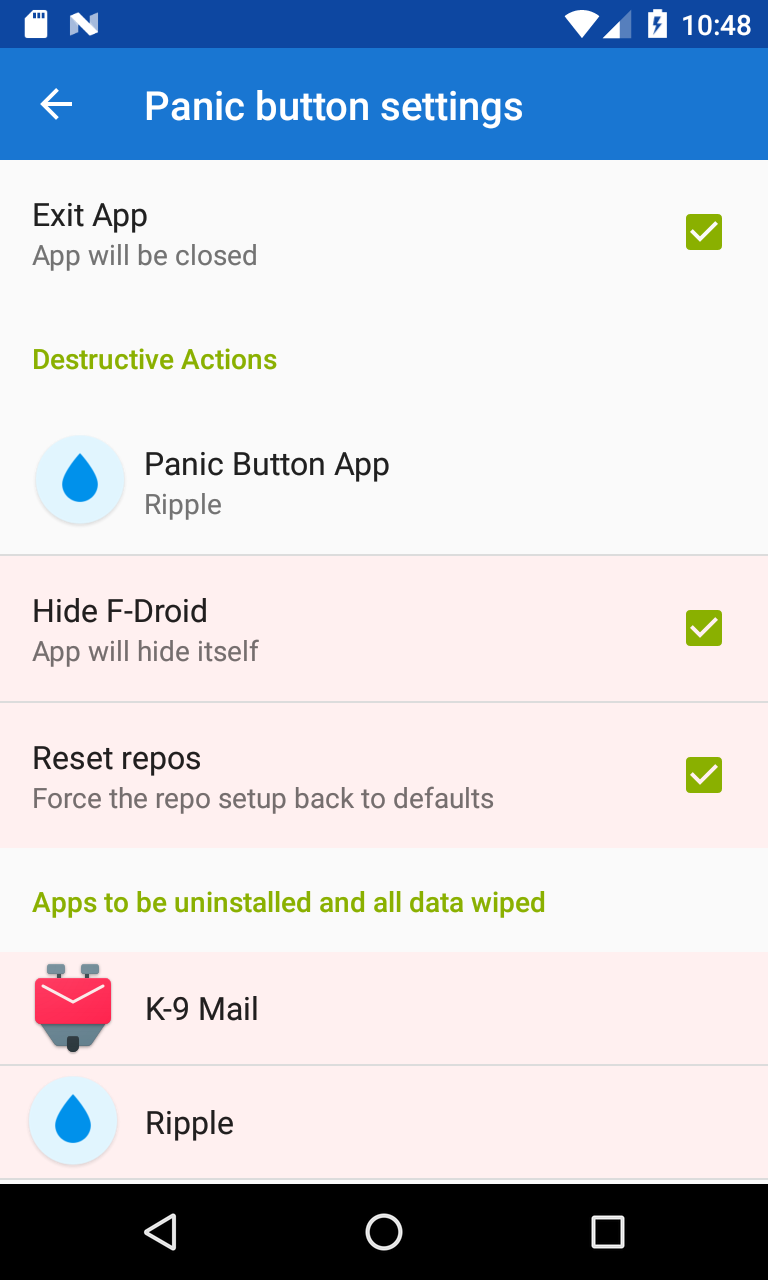
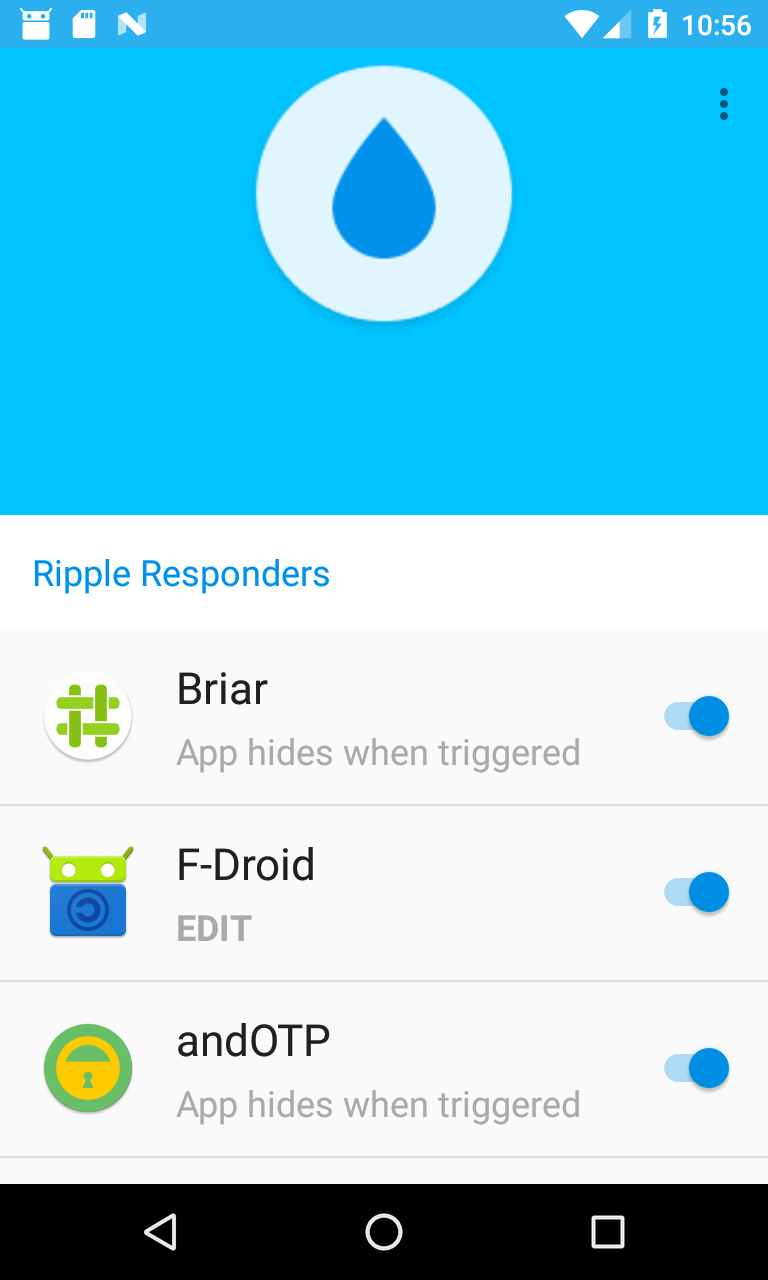
Building apps with panic support
Examples
Real world apps
- Ripple trigger app
- F-Droid’s app hiding
- SMSSecure lock as default response
- NewPipe clear search history as default response
- Zom with multiple destructive responses and a default lock response
Downloads
The binary jar, source jar, and javadoc jar are all available on jcenter. To include them using gradle, add this line to your build.gradle:
implementation 'info.guardianproject.panic:panic:1.0'
Otherwise, the files can also be downloaded directly from jcenter, including the PGP signatures:
Core Concepts
- non-destructive vs destructive responses
- responders should have a default response
- default responses should be non-destructive
- users send the panic with a trigger app
- responder apps receive the trigger message and do something in response
- the user must opt in to destructive responses via “connecting” a trigger and response app
- the trigger method can include things like a text message, email addresses, phone numbers, etc. which a panic responder app can use to send the message.
- responder apps should do something without any configuration, but that default response can be limited to trusted trigger apps
- the trigger app can ignore any given responder
- a responder app can ignore all triggers
Since this is an Android-specific framework, it builds upon core ideas
to Android OS, like Intent, Activity, and Service. The panic
trigger message is an Intent that can be received by Activitys or
Services. The Service must be an IntentService or started with
startService(Intent) in order to receive the panic trigger Intent.
Implementing a panic UX
These are all of the core behaviors that are required by a good PanicKit user experience:
- every panic responder must accept ACTION_TRIGGER Intents as the trigger
- each app has only one Activity that receives ACTION_TRIGGER
- each app has only one Activity that receives ACTION_CONNECT
- each app has only one Activity that receives ACTION_DISCONNECT
- the trigger app sends ACTION_CONNECT, ACTION_DISCONNECT, and ACTION_TRIGGER to the responder
- the responder app sends ACTION_CONNECT and ACTION_DISCONNECT to the trigger
- only the user can trigger ACTION_CONNECT to be sent, they should never be automated
- the Activity that accepts ACTION_CONNECT will TOFU-trust the app that sent the Intent after the user opts in
- the Activity that sends ACTION_CONNECT will TOFU-trust the receiver, if it replies with Activity.RESULT_OK
- ACTION_TRIGGER will only trigger destructive responses after it has been verified that they came from a trusted sender (either pinned or TOFUed)
- either trigger or responder can send ACTION_DISCONNECT at any time
- receiving ACTION_DISCONNECT does not result in user interaction, the disconnect is immediate
- a trigger app can send ACTION_TRIGGER to zero or more apps
- a responder app can receive ACTION_TRIGGER from a single app
- one user panic button press can send multiple trigger events
Configuration
- the config screen has two final actions: 1) cancel changes 2) confirm changes
- when disconnected, clicking confirm creates the connection
- when disconnected, clicking cancel makes no connection
- when already connected, clicking confirm will change the settings and keep the connection
- when already connected, clicking cancel will discard changes to the settings but keep the connection
PanicKit in Action
Trust modes
It is possible to require strict checking of panic senders and receivers. For example, a panic trigger message might include a private message, the location, and a list of trusted contacts. This is sensitive information, so the trigger app should only send it to apps that the user has allowed to receive it. Also, many panic responses include destroying data or sending messages to trusted contacts. These actions must require the user to opt-in, granting a specific trigger app the privilege to trigger those sensitive responses.
The enhanced trust relationship between trigger and responder can take two forms:
Trust-On-First-Use (TOFU) App
A user goes into the settings of either a panic trigger or receiver, and configures which apps to connect to. In this process, the apps remember the other apps they are each connected to, and base their trusted sending on that initial connection.
Pinned Trusted App
Using trusted pinning methods like APK signing key, a panic trigger and panic receiver can automatically configure themselves to connect to all installed apps that are signed by a given key. This gives a panic setup with zero configuration. For example, Courier Reader could automatically connect to Amnesty Panic Button based on signing key.